Chat With Your Data - The Keypup MCP Server is Here! 🤖📊
We are incredibly excited to announce the release of the Keypup MCP (Model Context Protocol) Server!
This release marks a major step forward, allowing you to connect Keypup's powerful engineering analytics directly to your favorite AI assistants (like Claude Desktop, Cursor, Kiro, and any other MCP-compatible client).
The Keypup MCP Server
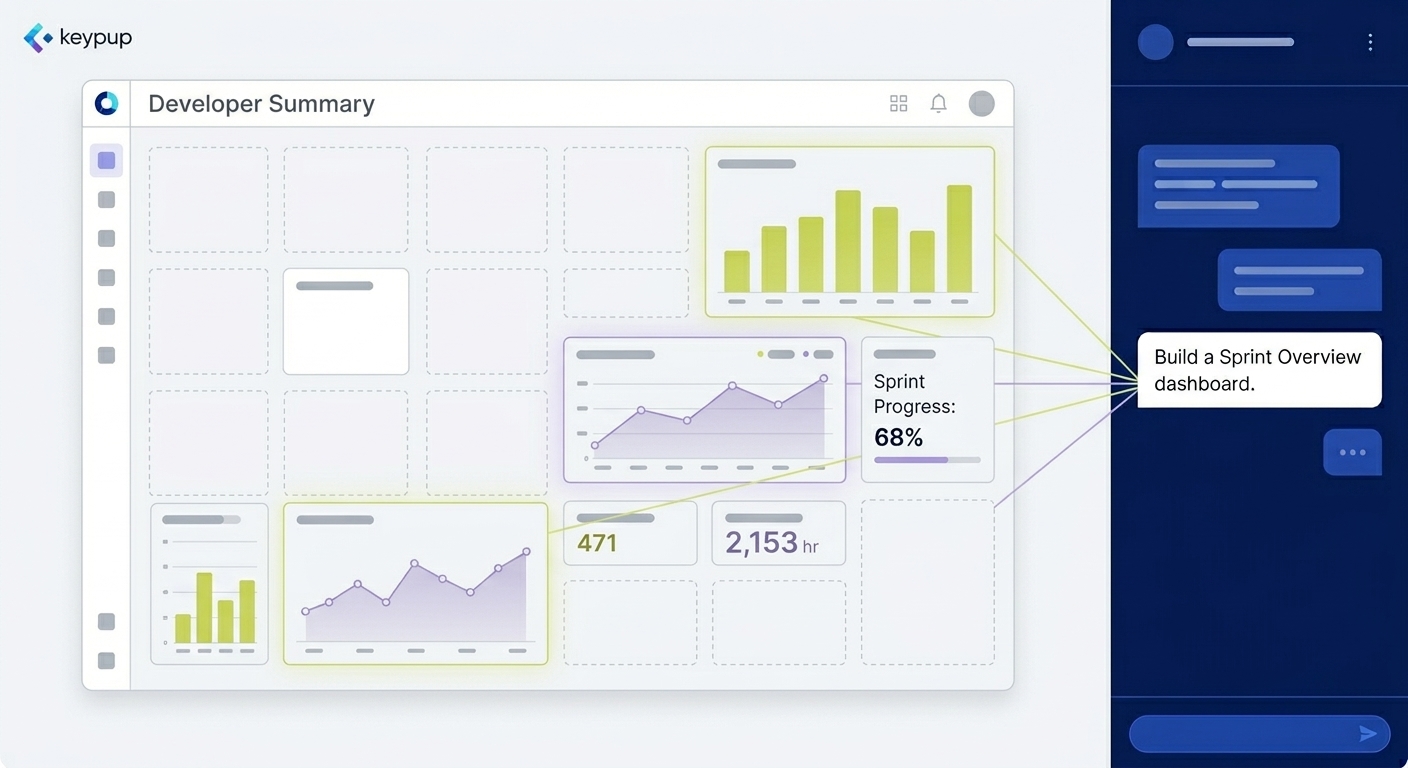
Instead of writing code or manually building queries, you can now ask questions about your engineering activity in plain language, and your AI assistant will orchestrate everything on your behalf.
The MCP server exposes a focused set of tools that allow your AI to:
- Discover your workspace (list teams/companies you belong to).
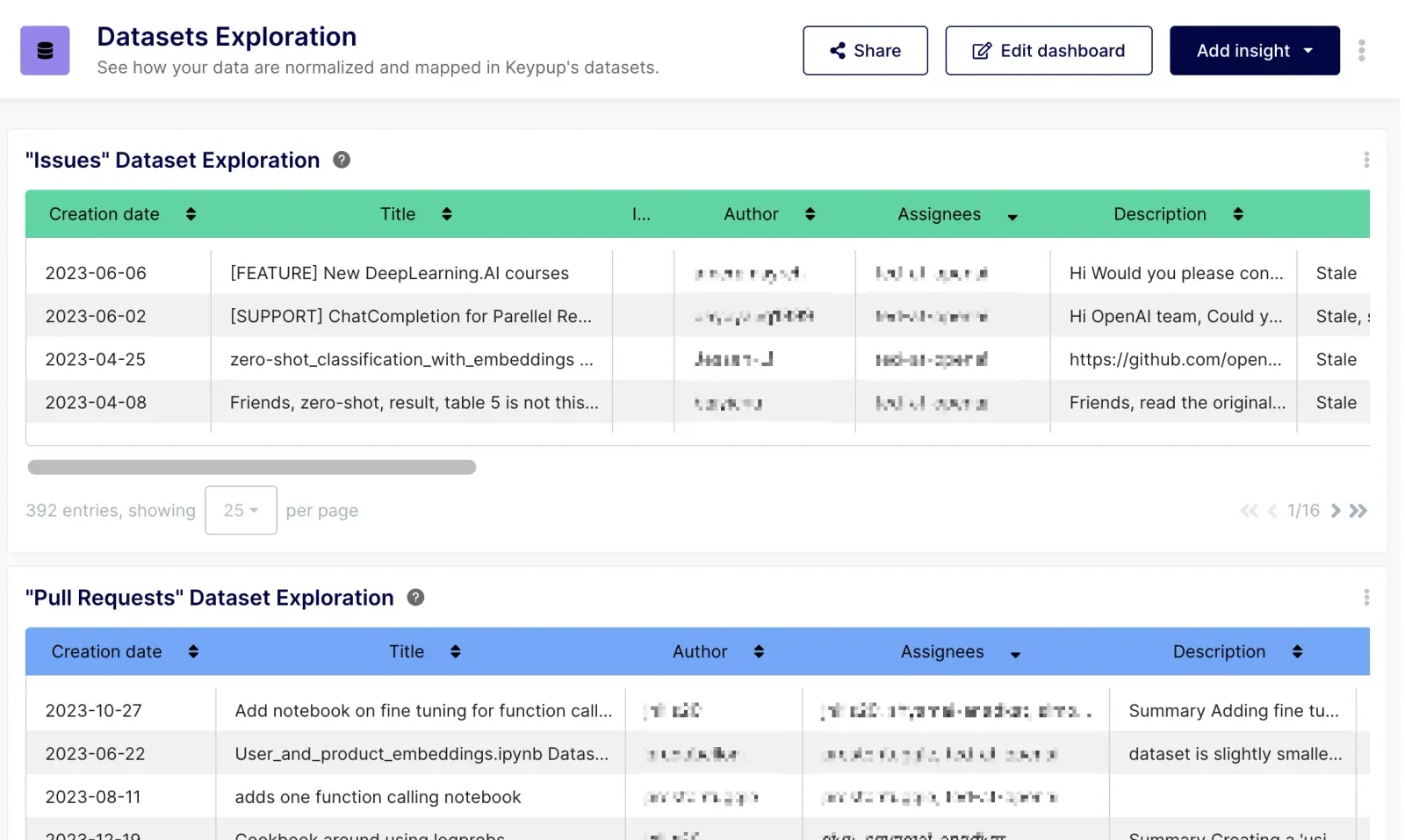
- Explore datasets (browse fields across PRs, issues, commits, comments, etc.).
- Discover formula operators for building precise metrics and filters.
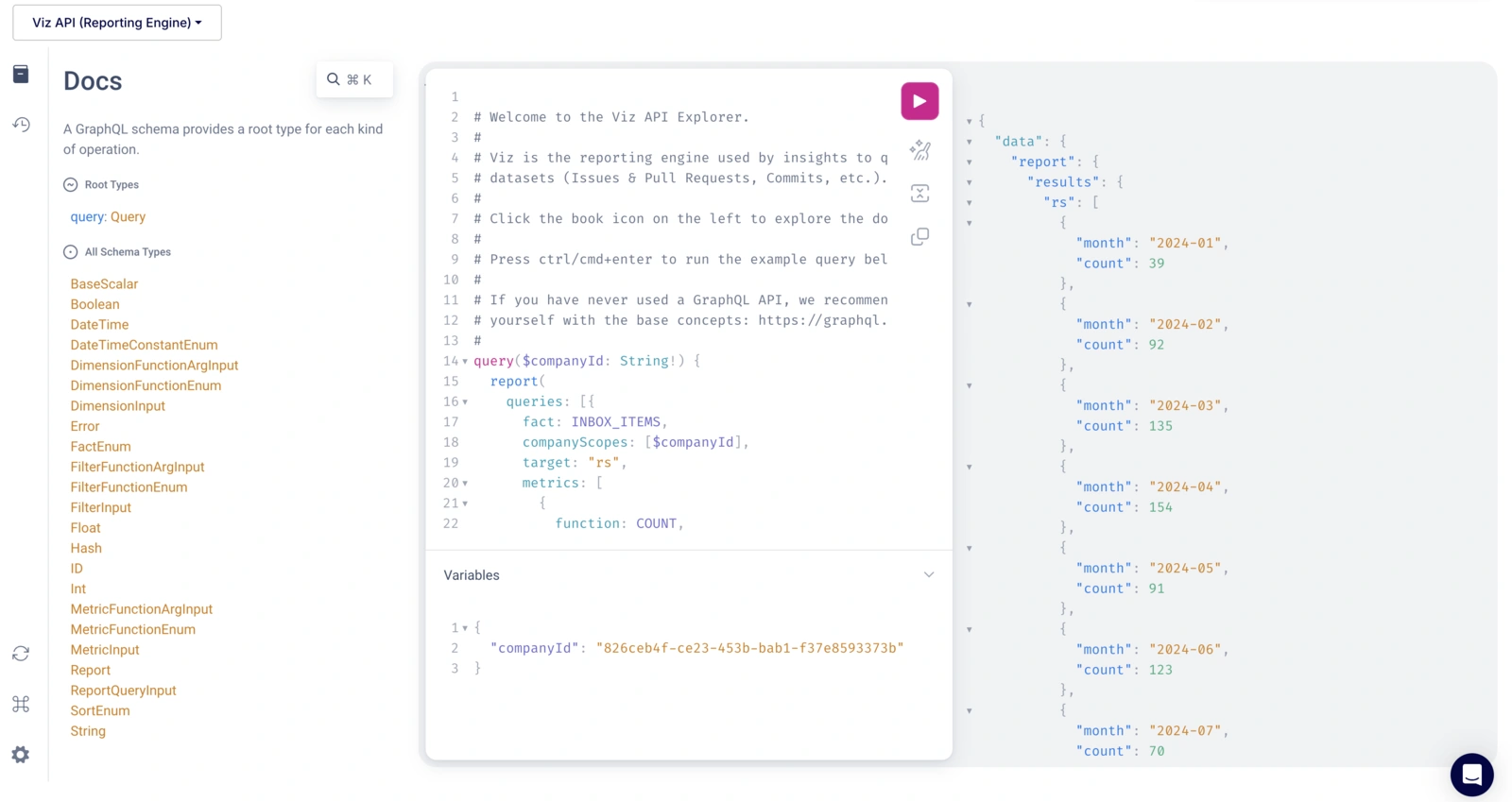
- Generate and run reporting queries directly from your natural language requests!
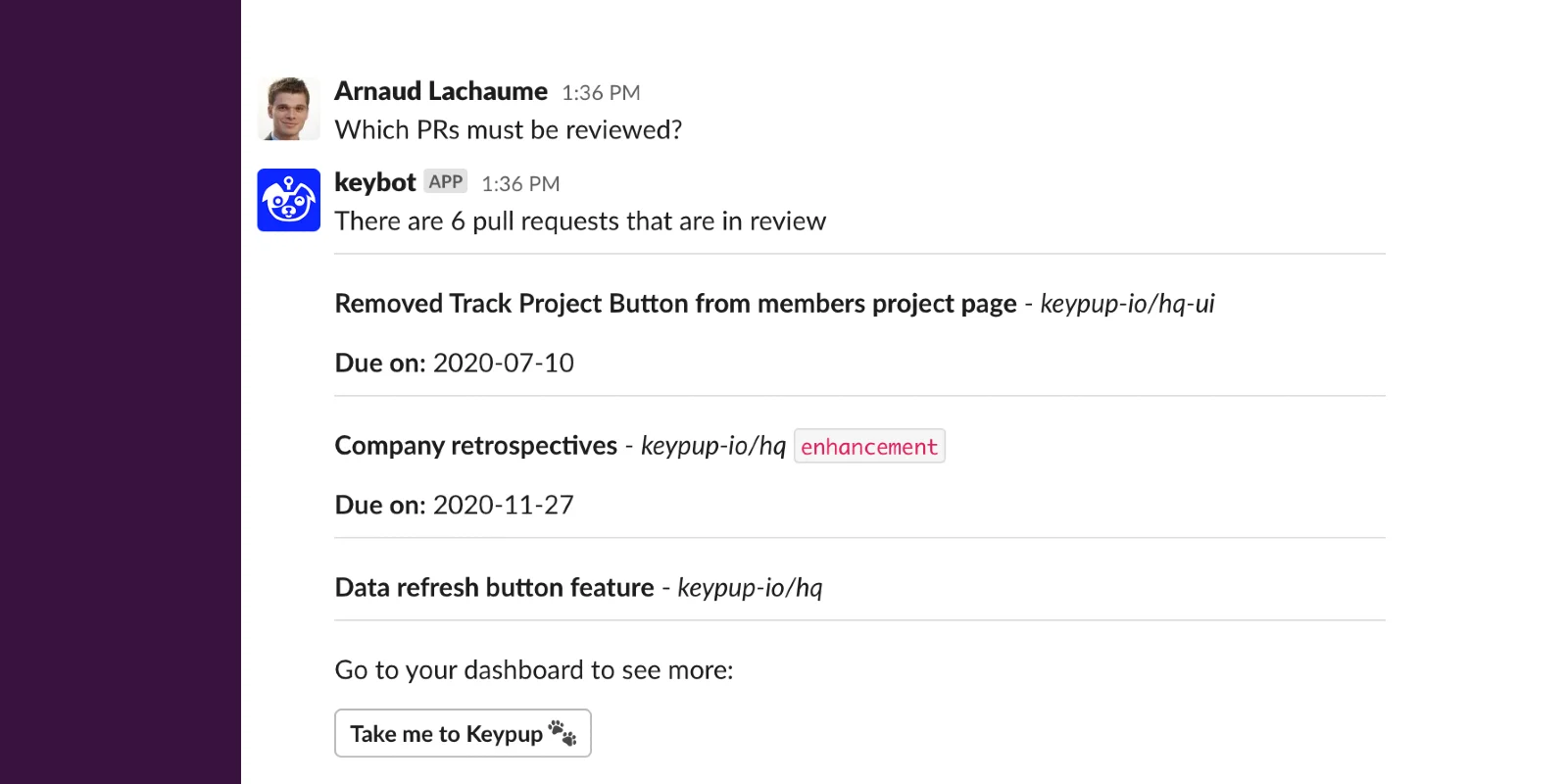
You can ask open-ended questions like "How many pull requests did we merge each month over the last 6 months?" or "Who are our most active reviewers this month?" and the AI will automatically fetch the schema, build the query, execute it, and explain the results to you.
The MCP server is currently in beta and focused on building and running reporting queries. See MCP use cases
In the near future, we will expose the full capabilities of our GraphQL API, as well as the insight-building capabilities currently provided by our platform's AI Agent!
Want to get it set up? Check out the Using the MCP server documentation. git push
Granular API Scopes
To support the MCP Server and enhance general security on the API, we have concluded our chapter on API Scopes.
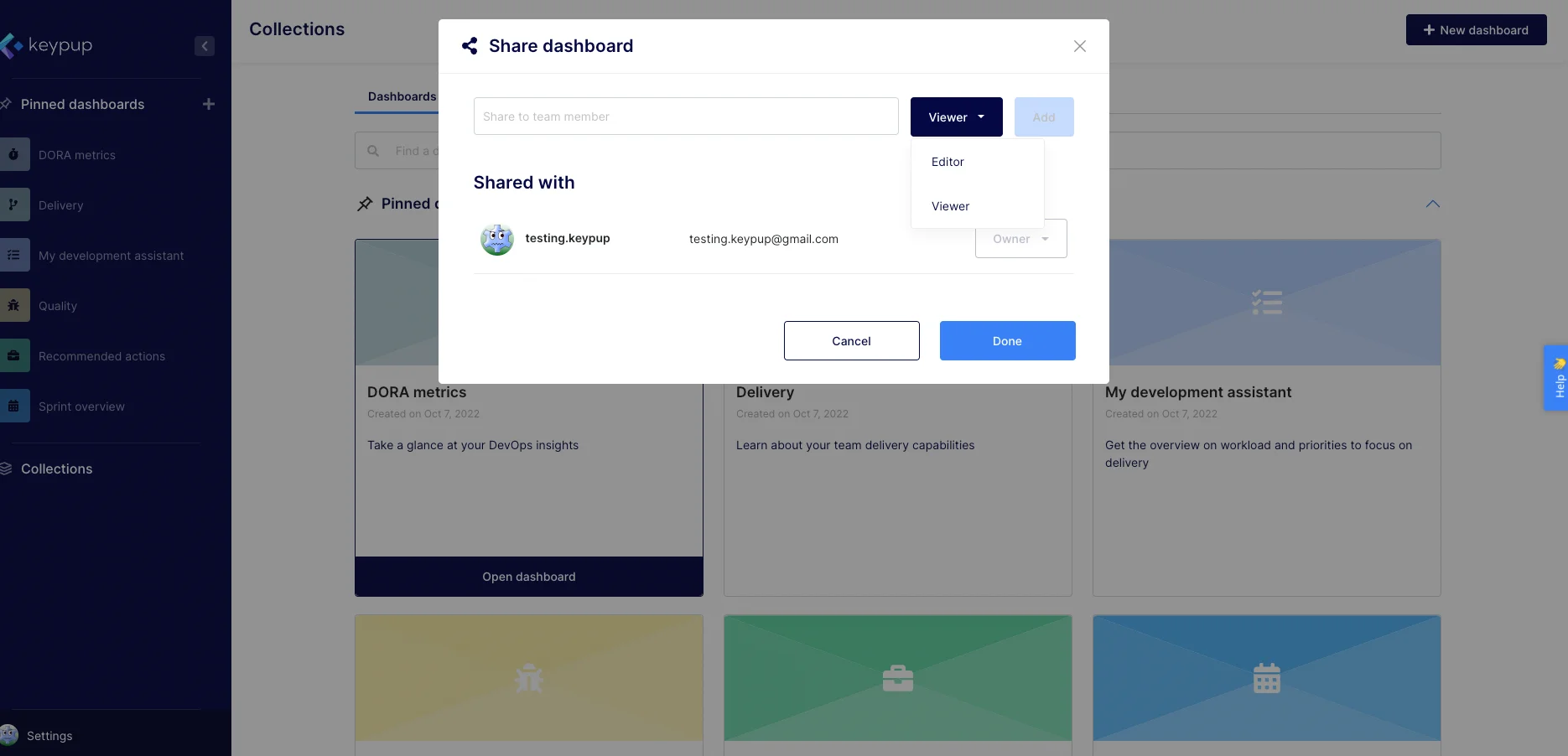
When generating API tokens, you can now choose specific permission levels (scopes) to follow the principle of least privilege.
For example, you can create a read-only token exclusively for your MCP client. Check out the updated Using the API documentation for full details.
Other improvements and bug fixes
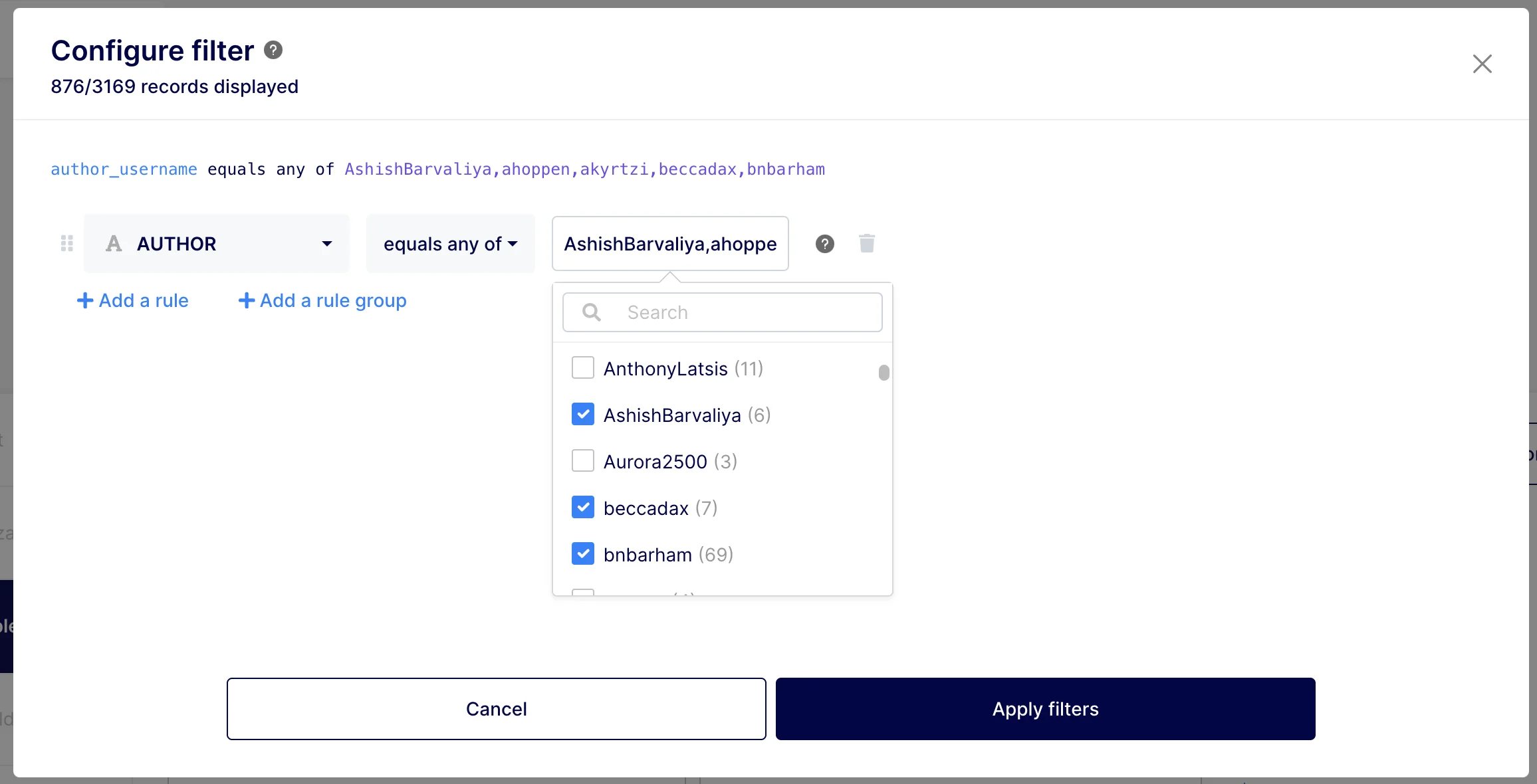
- Improvement: Insight Edition Performance: We’ve deployed a massive performance improvement to the insight edition screen. Teams utilizing a high number of custom fields will notice that field dropdowns are now highly scalable, completely eliminating previous page-freezing issues.
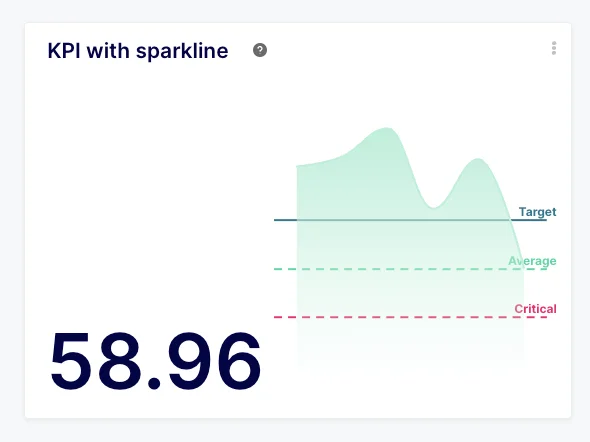
- Improvement: KPIs: Custom dimensions are now fully supported for filtering and drilldowns on KPIs (previously, this was only possible on regular charts/tables).
- Improvement: Dashboard AI: Changes made by the AI Agent to Markdown widgets are now reflected immediately on the dashboard without requiring a page reload.
- Improvement: Dashboard Analyze Button: If you already have an active AI discussion open, clicking the "Analyze" button on a dashboard will now append the analysis request to your ongoing chat rather than doing nothing.
- Bugfix: Dashboard-Wide Filters: You can now copy the text values from locked dashboard-wide filters (previously, text selection was blocked).
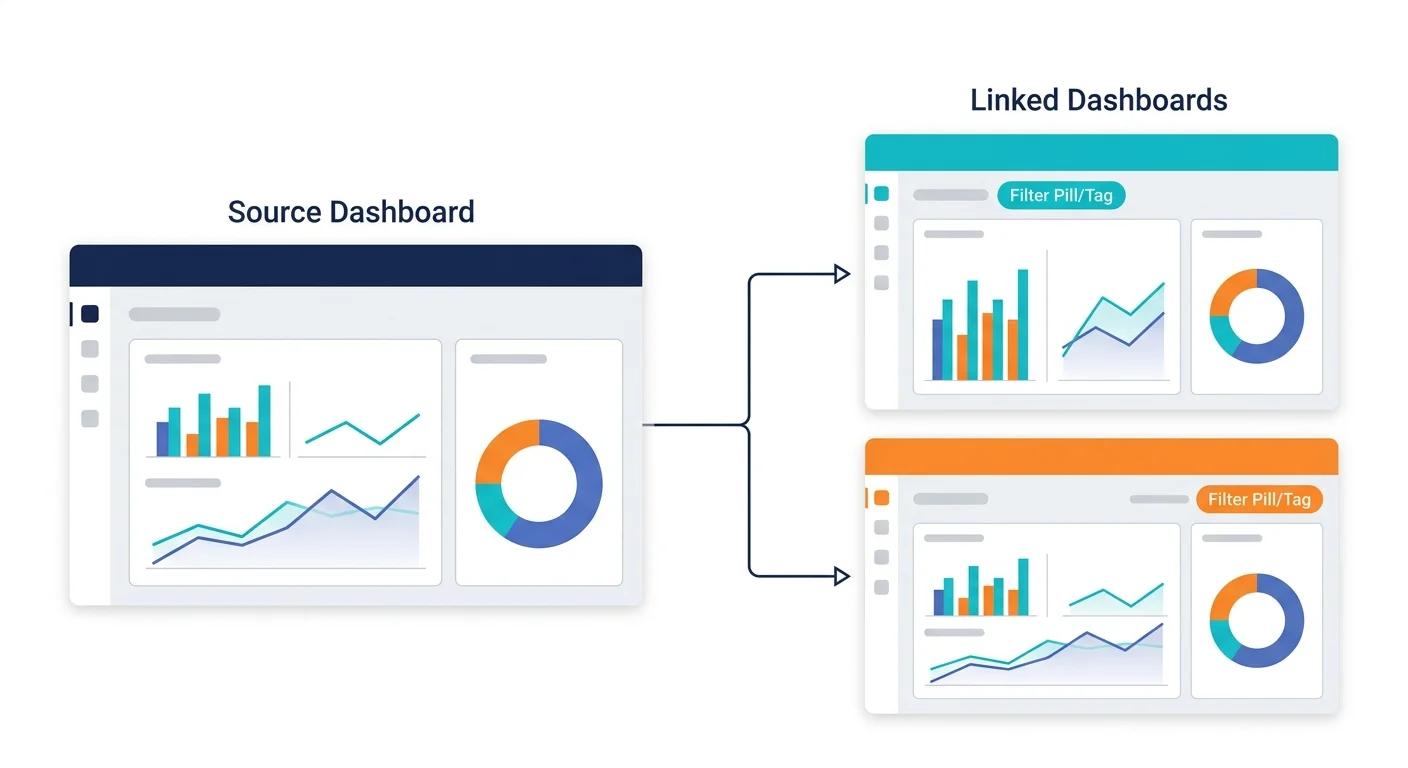
- Bugfix: Linked Dashboards: Fixed an issue where the system would unnecessarily offer you the ability to delete orphan insights when deleting a Linked Dashboard (the checkbox didn't do anything in this context anyway).
- Bugfix: KPI with Trend/Chart: When editing a KPI, the background color that highlights which rows are being factored into your trend line now correctly takes precedence over the striped table row colors, making it much easier to see your data selection.
- Bugfix: Dashboard Edition: Fixed a UI glitch where the top bar would overflow to the right when saving a dashboard with a very long description.
- Bugfix: Dashboard Edition: Fixed a visual bug where new decorators (like horizontal/vertical bars) would briefly disappear while the dashboard was saving, which was particularly noticeable on larger layouts.