When working with a new software development analytics tool like Keypup, it's important to have access to useful information and documentation about the platform. However, navigating from page to page can be frustrating and time-consuming. That's why Keypup has embedded all its product documentation directly in the app. In this article, we'll show you how to easily access Keypup's documentation at any step of your journey.
Collaboration is key when working in a software engineering organization, and having easy access to documentation is a crucial aspect of effective collaboration. Here's how you can do it:
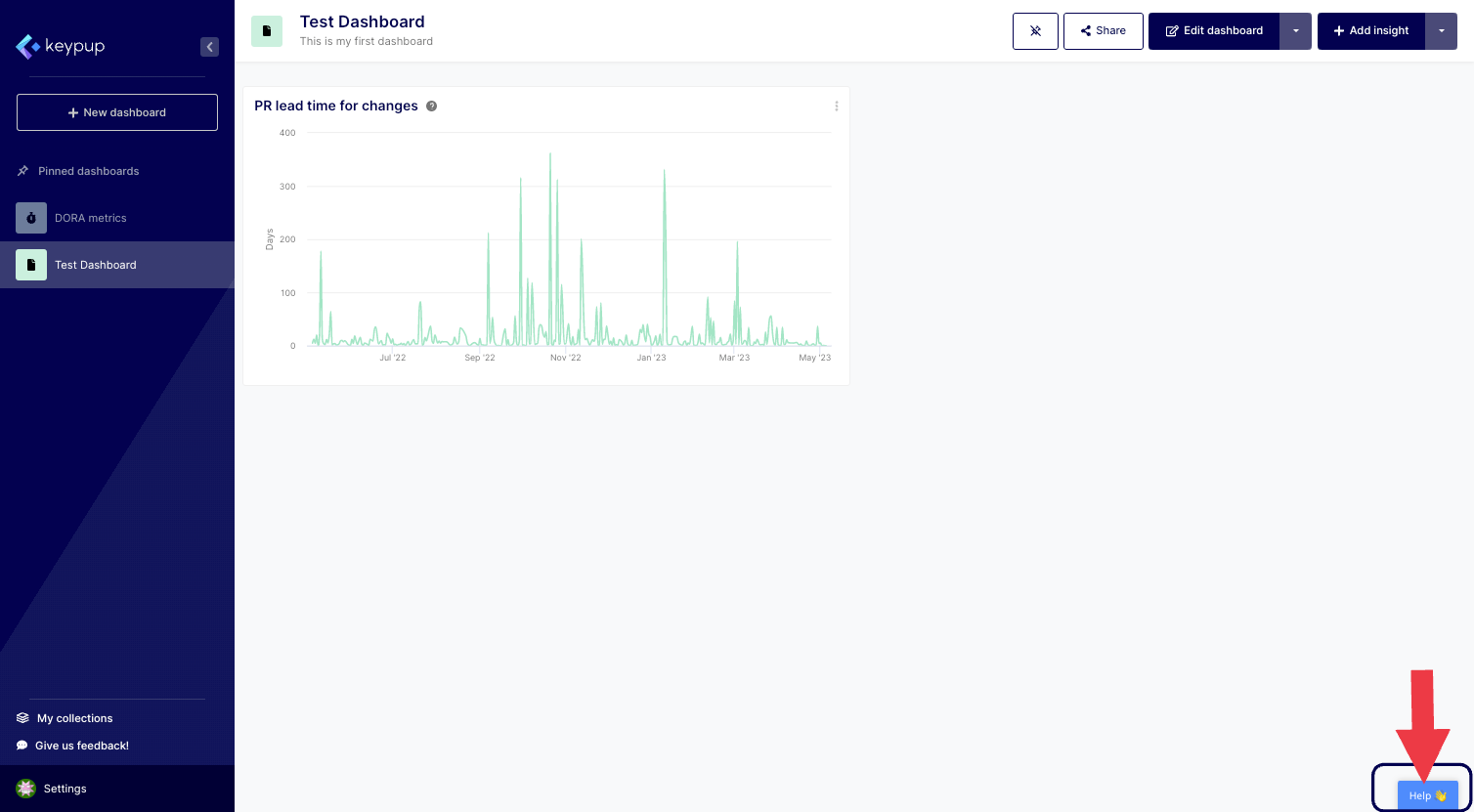
1. From any page in the platform, click on the "Help 👋" button located at the bottom right of all pages to access Keypup's product documentation.
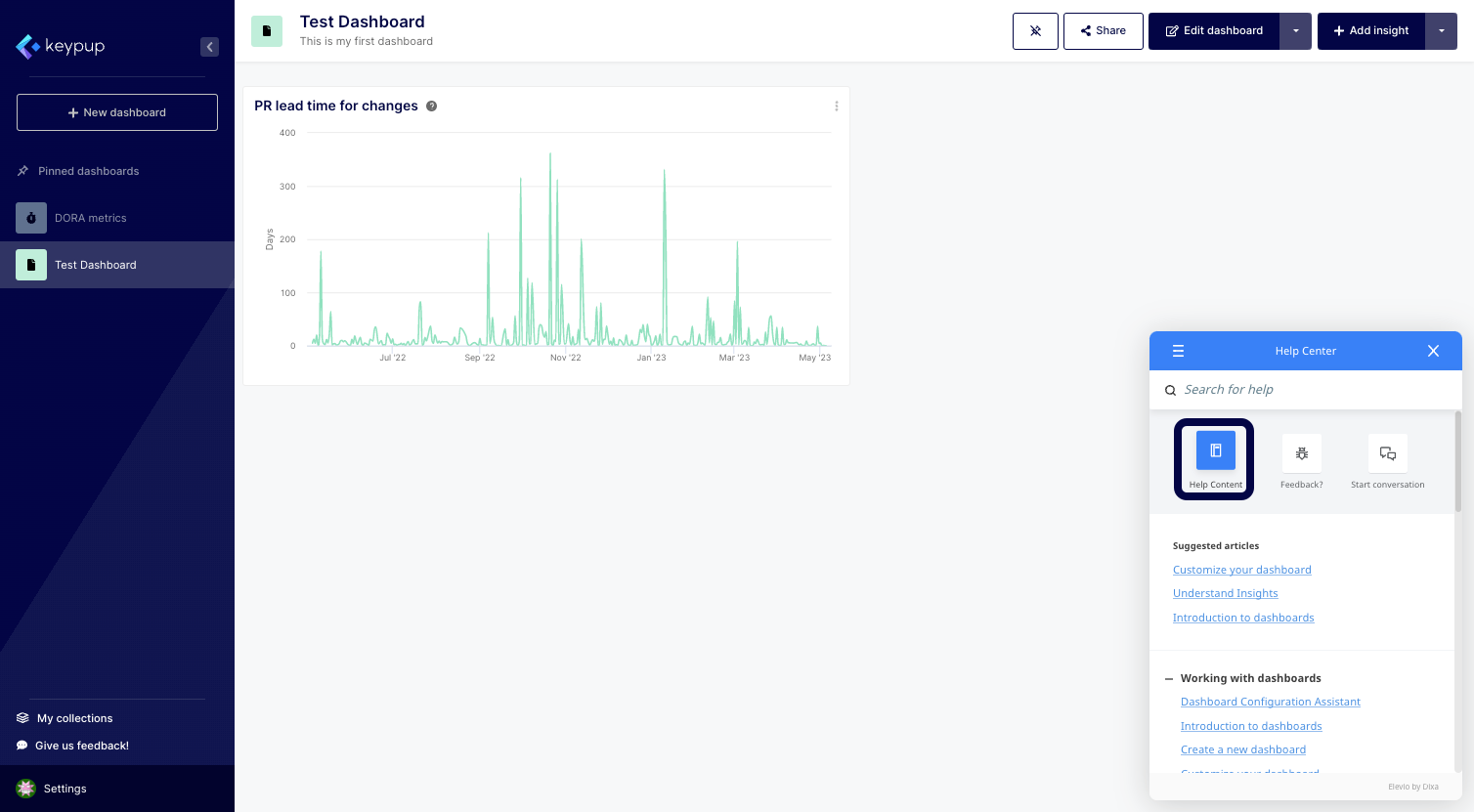
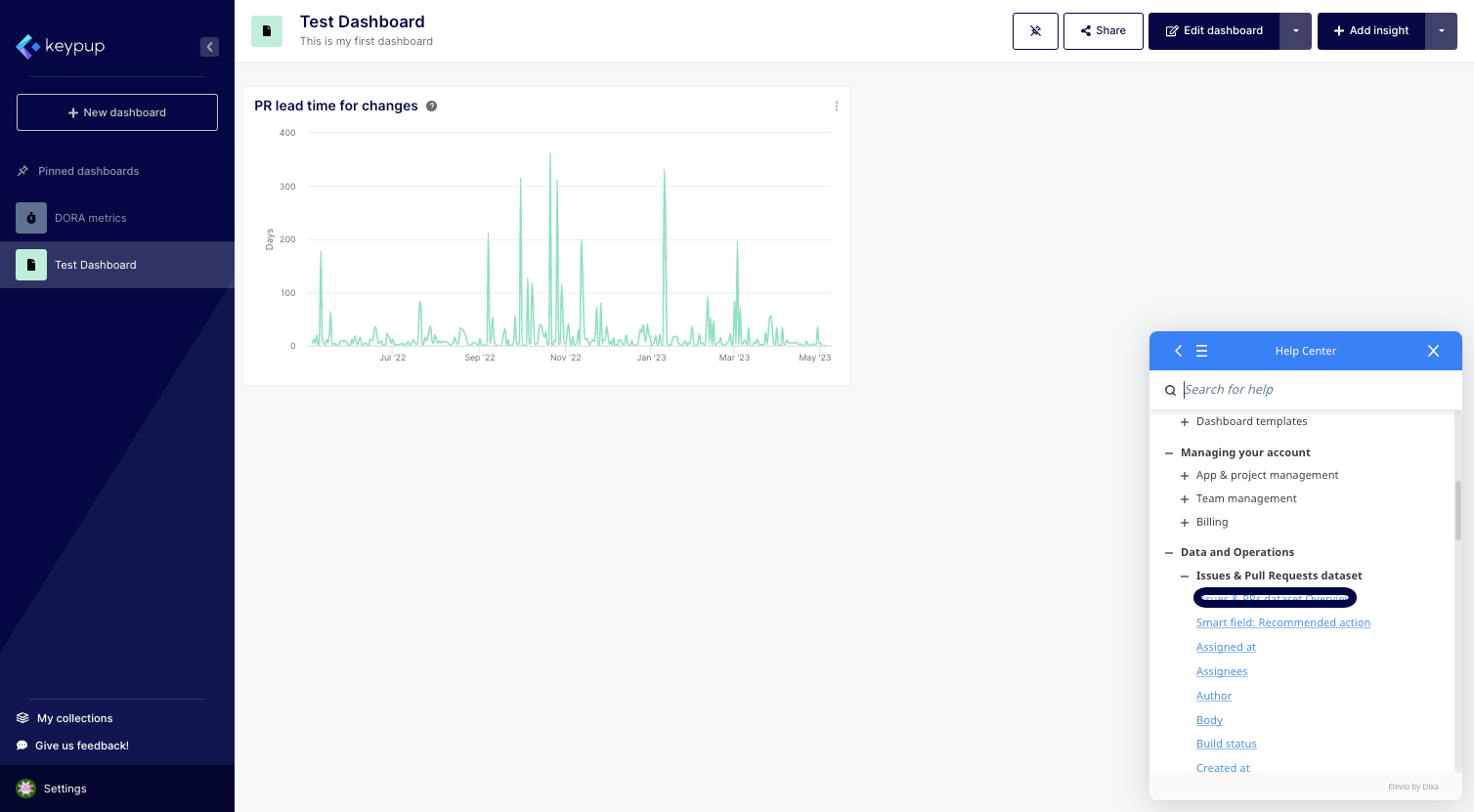
2. From there, you can quickly access recommended articles, provide feedback, or start a conversation with Keypup's support team. To open the full product documentation, click on the "Help Content" button located on the top left, or type in what you're searching for.
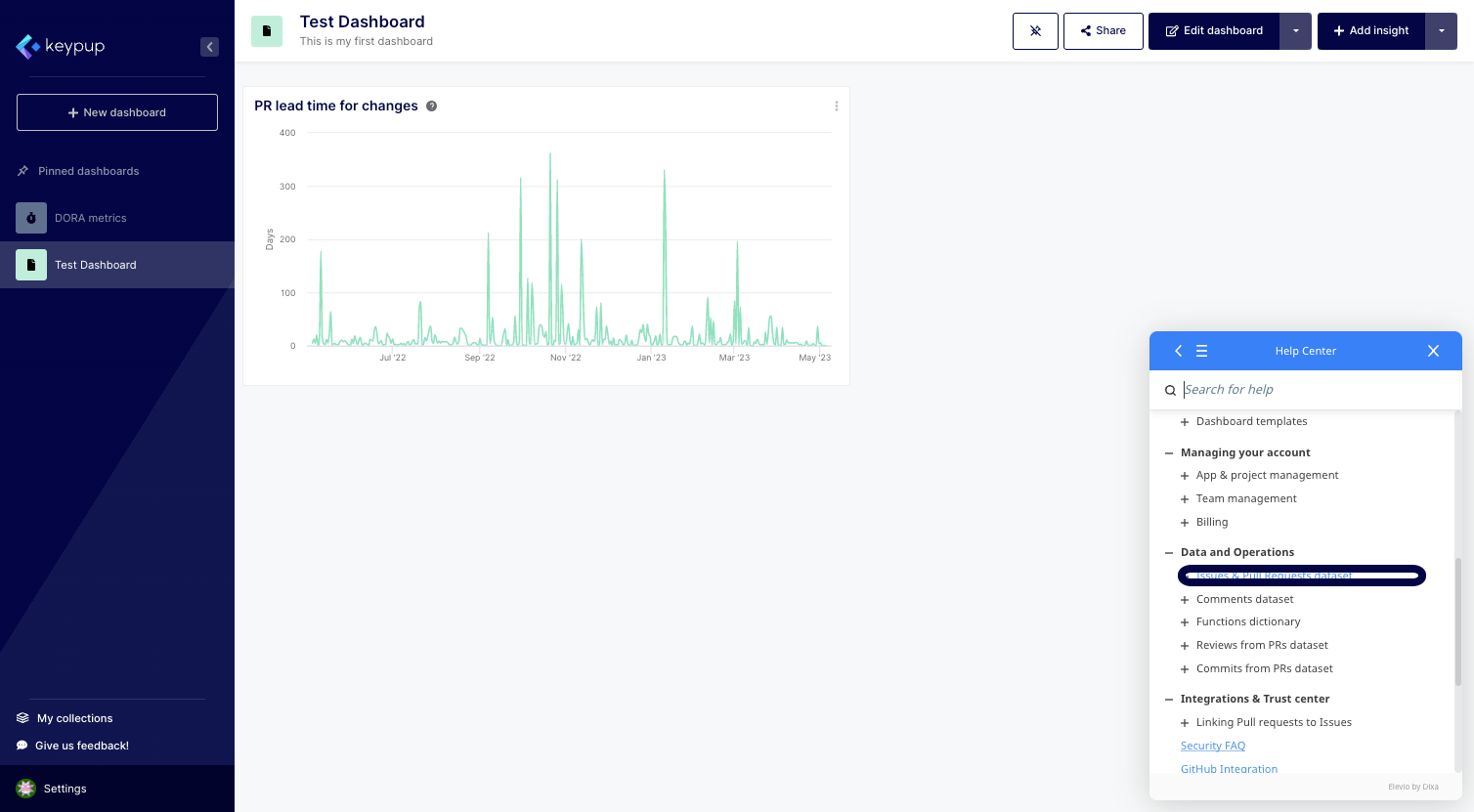
3. You'll be taken to a page where all product documentation is organized by themes. For instance, you can click on the "Issues & Pull Requests dataset" from the Data and Operations section.
4. You'll then see all articles contained in this specific section. For example, you can find information related to the fields included in the selected dataset. Click on "Issues & PRs dataset Overview."
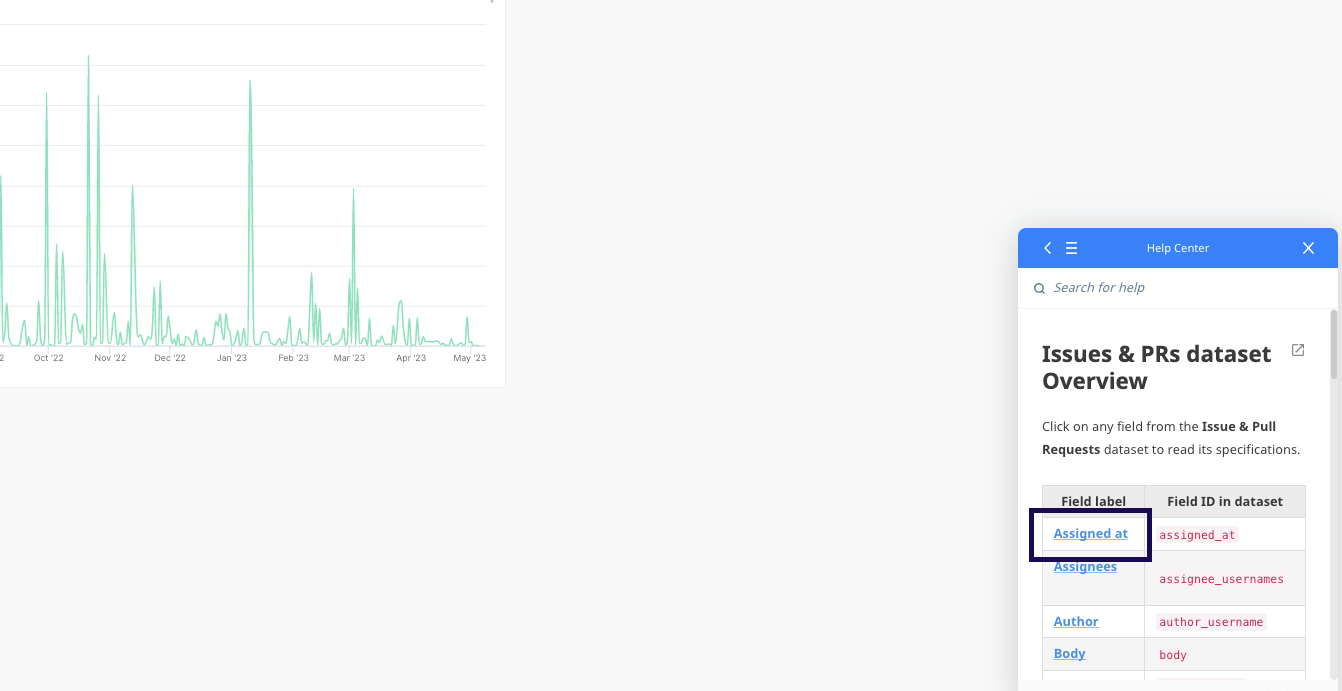
5. In this section, you can access a short description of the dataset together with all associated fields. You can click on any field to get a detailed description of it. For example, you could click on the “Assigned at” field.
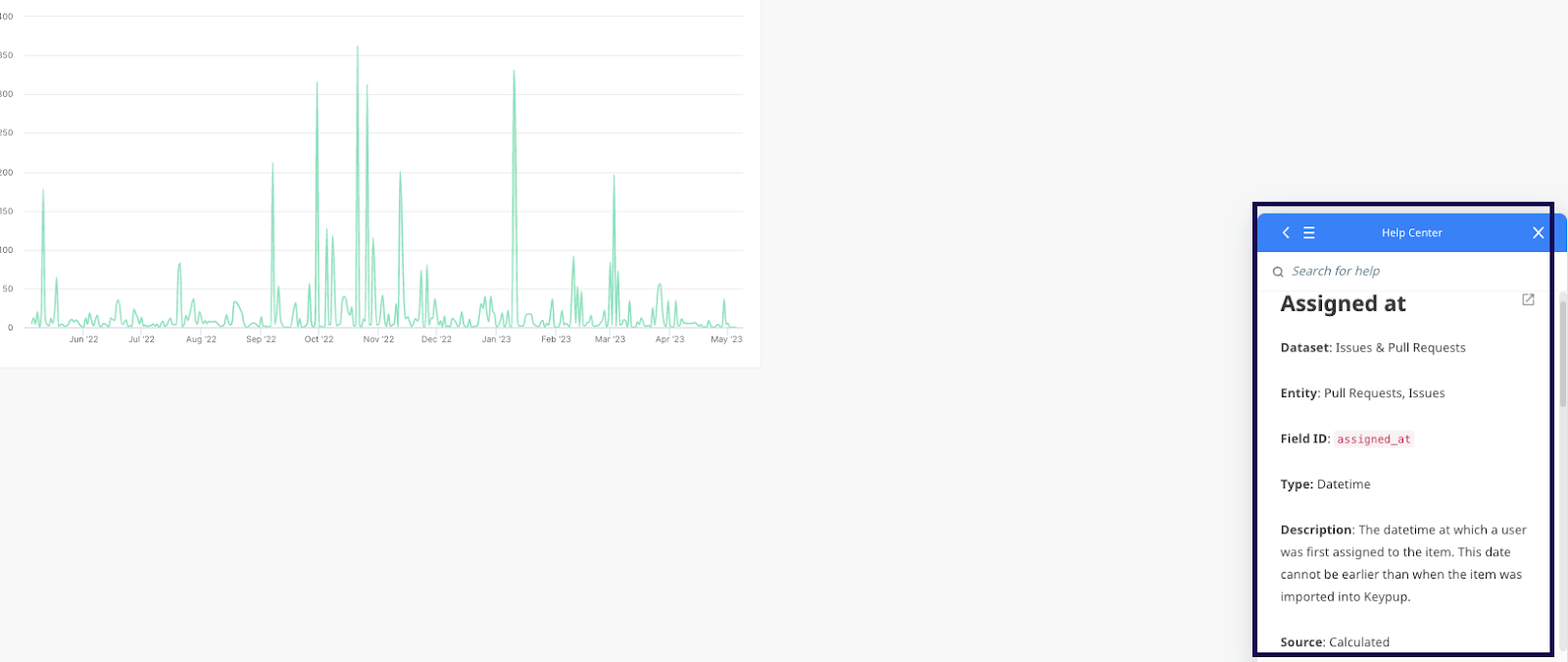
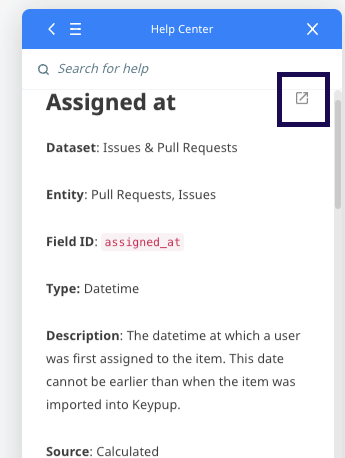
6. You'll then get all the information about the field, such as its dataset, field type, description, and source. If you want to open and enlarge the article, you can click on the little icon located at the top right of all articles.
In conclusion, Keypup's software development analytics platform provides an integrated documentation feature that allows users to access all useful information and explanations about the platform without having to leave the app. With just a few clicks, users can easily find the answers they need and get detailed descriptions of all aspects of the platform. This accessibility and ease of use make it simpler for new users to get up to speed quickly and for experienced users to quickly find the information they need to make informed decisions. Get started today!