In the realm of software engineering metrics, it's not uncommon for individuals who didn't create a particular metric to struggle with understanding how it has been calculated, why it matters, and how to improve it. This lack of clarity can hinder effective decision-making and impede progress within an organization. That's why documenting metrics is key to ensuring that everyone involved has a comprehensive understanding of the metric's purpose, calculation, and potential areas for improvement.
In this article, we’ll show you how to access and modify your metrics’ documentation.
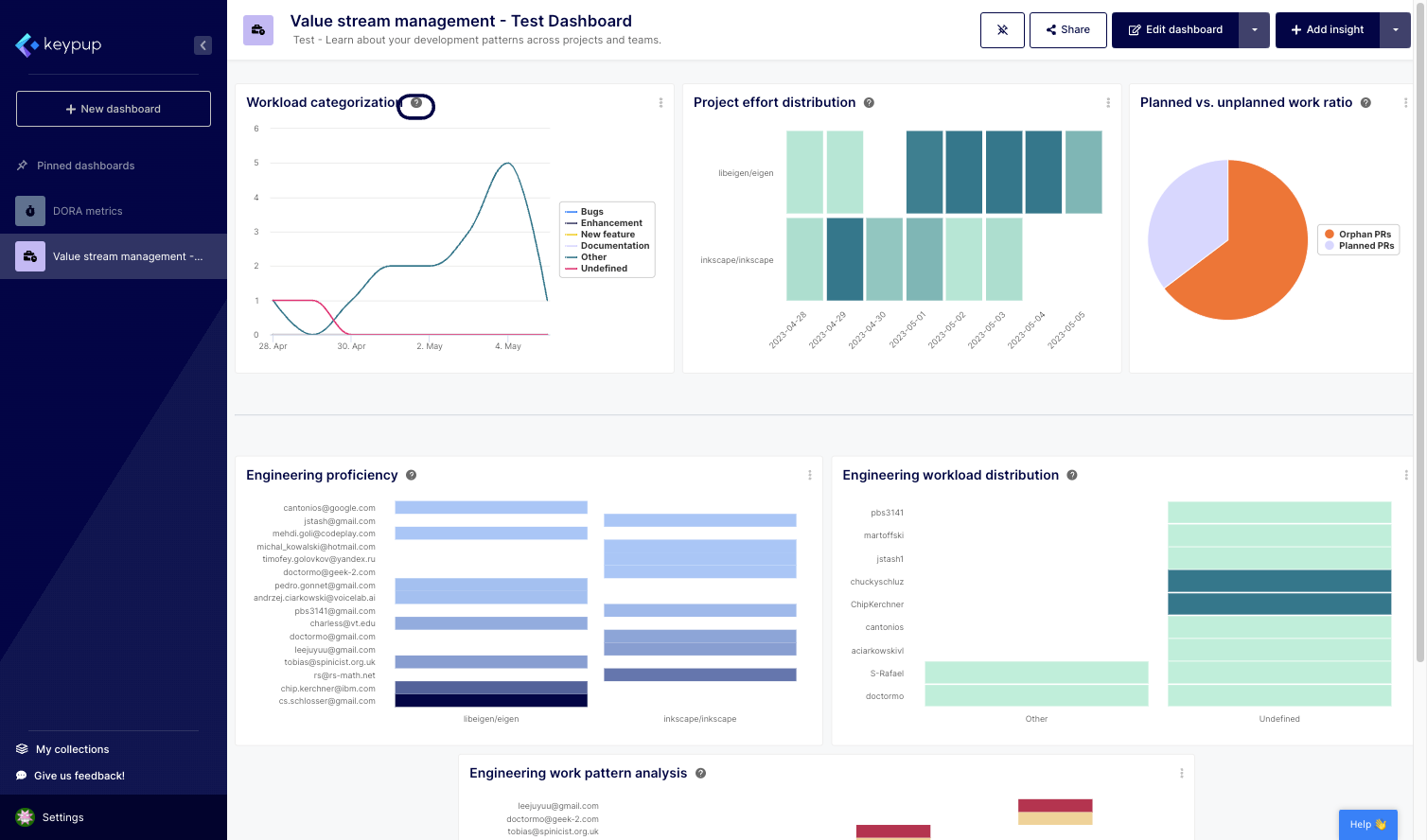
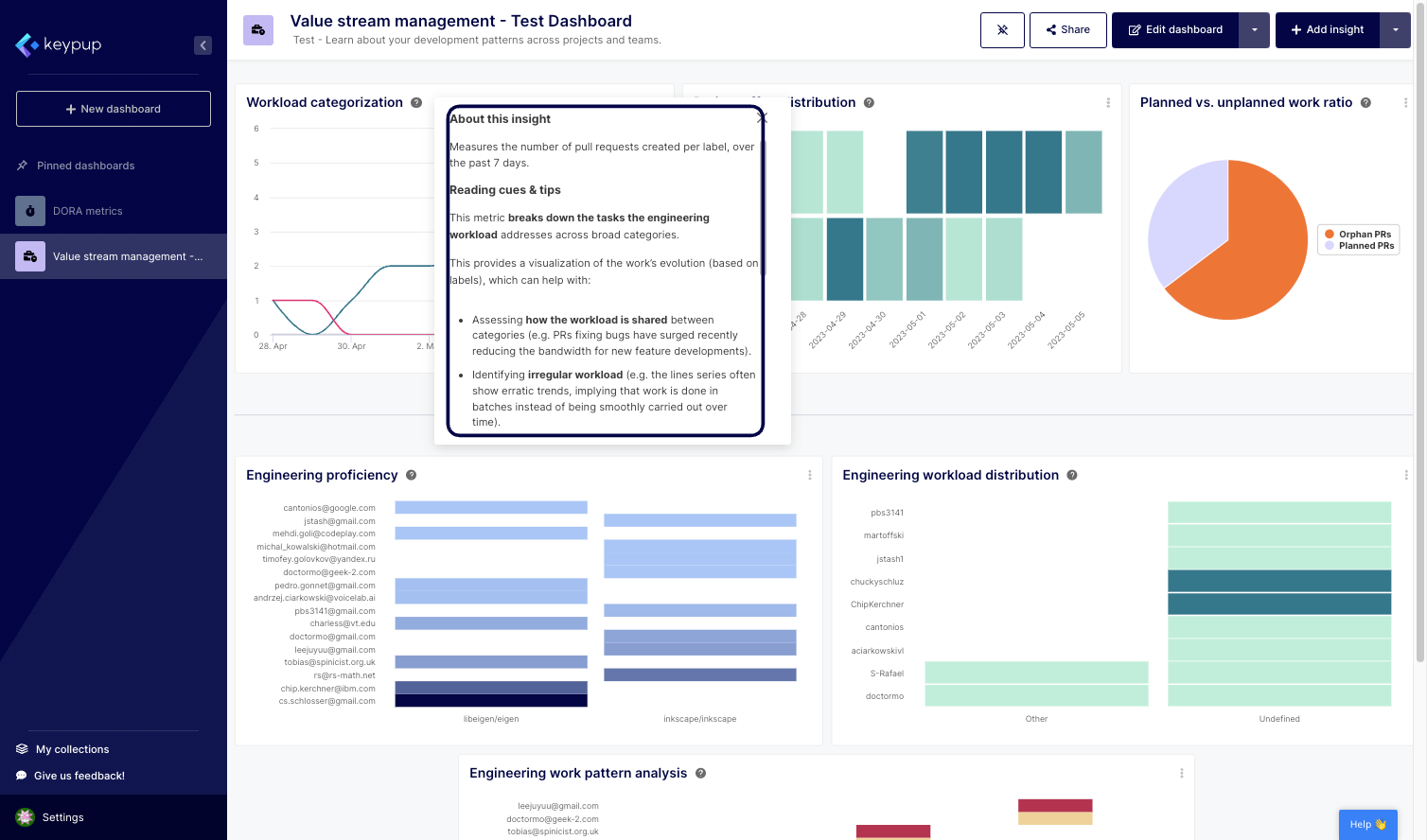
1. To access any metric's documentation, click on the question mark (?) button located next to the insight title.
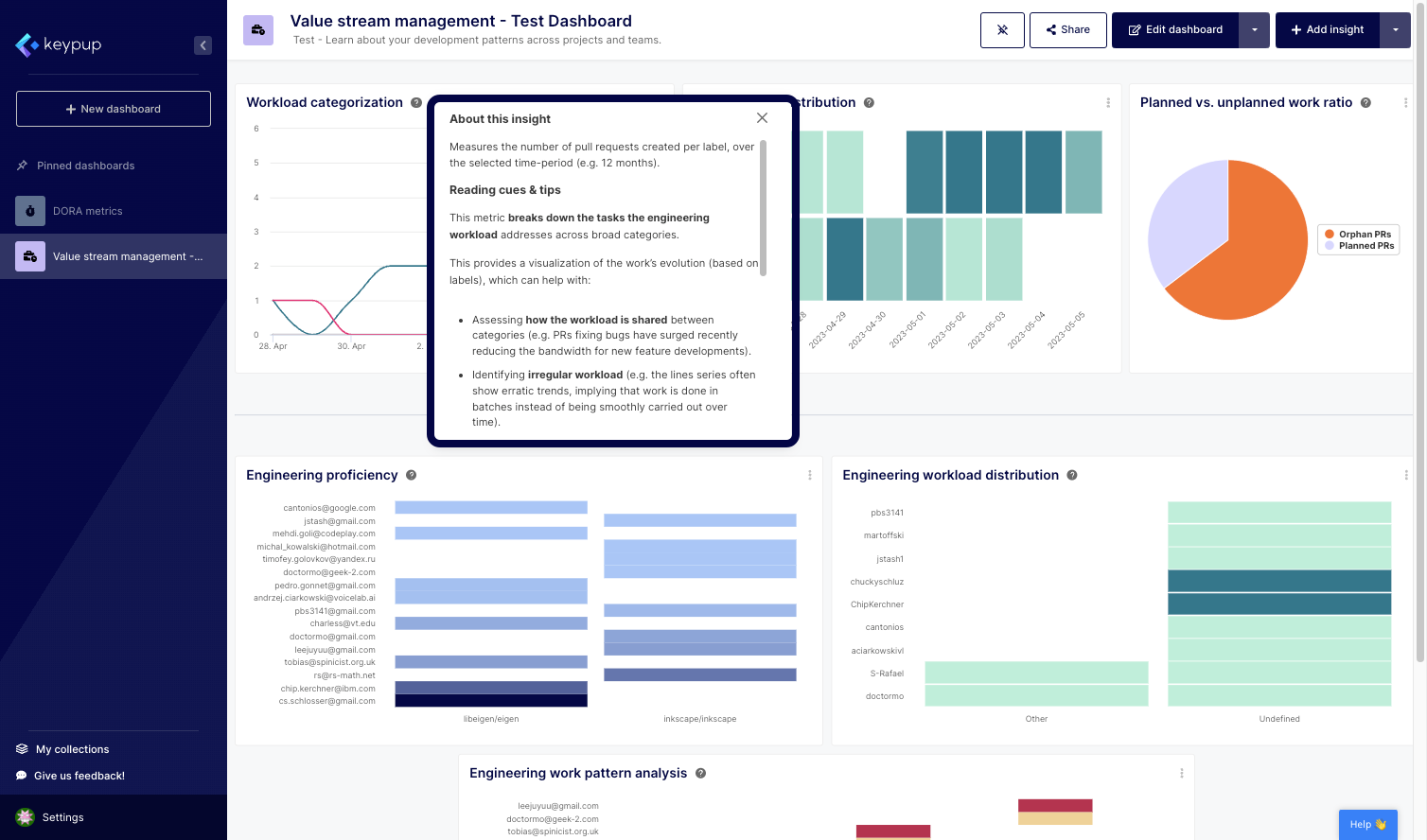
2. This will open a tooltip that contains all the information about the insight. Keypup's metric templates come with default documentation that provides information about the insight and how it’s calculated, as well as tips to improve the metric.
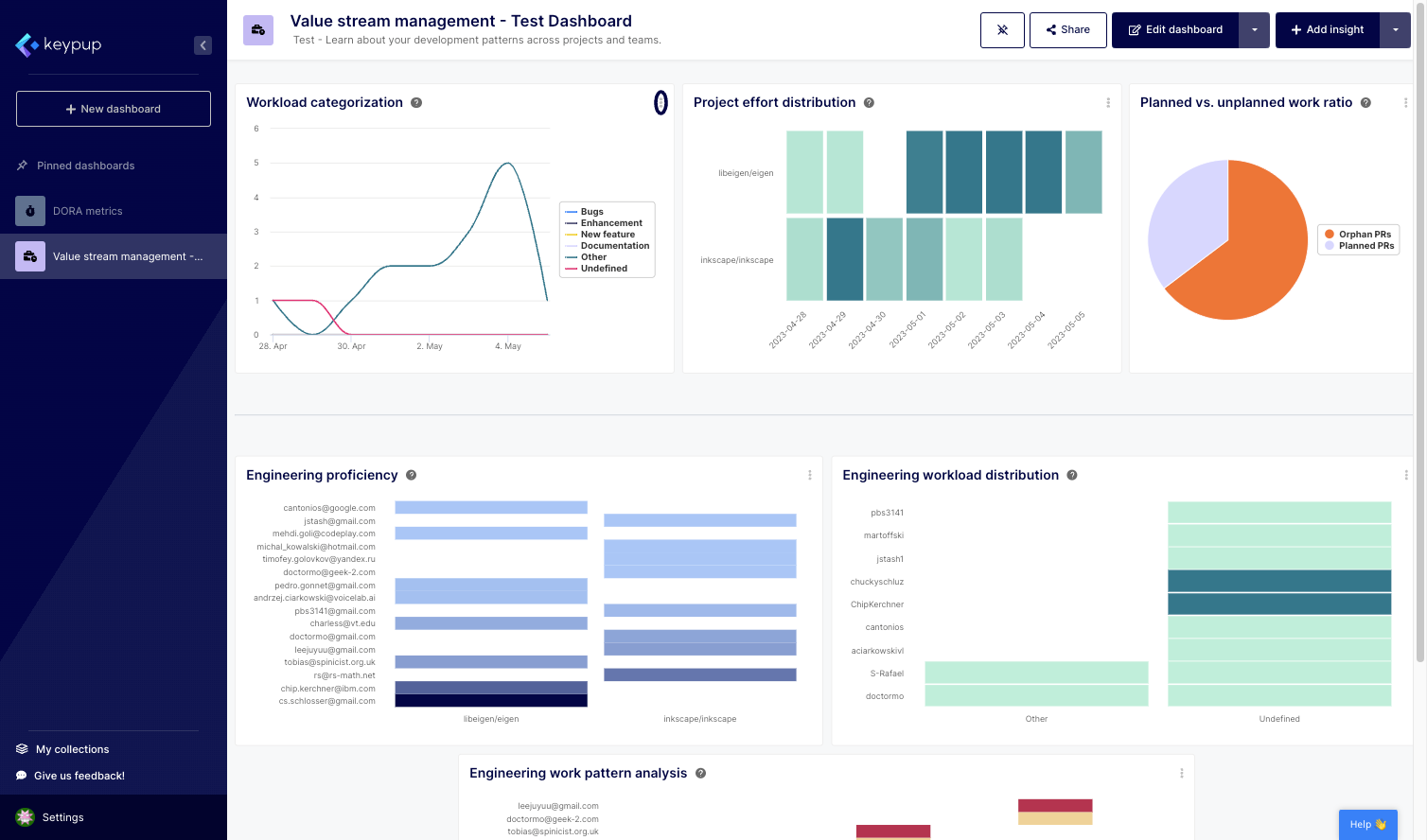
3. To modify the metric's documentation, click on the edit (...) button located at the top right of the insight.
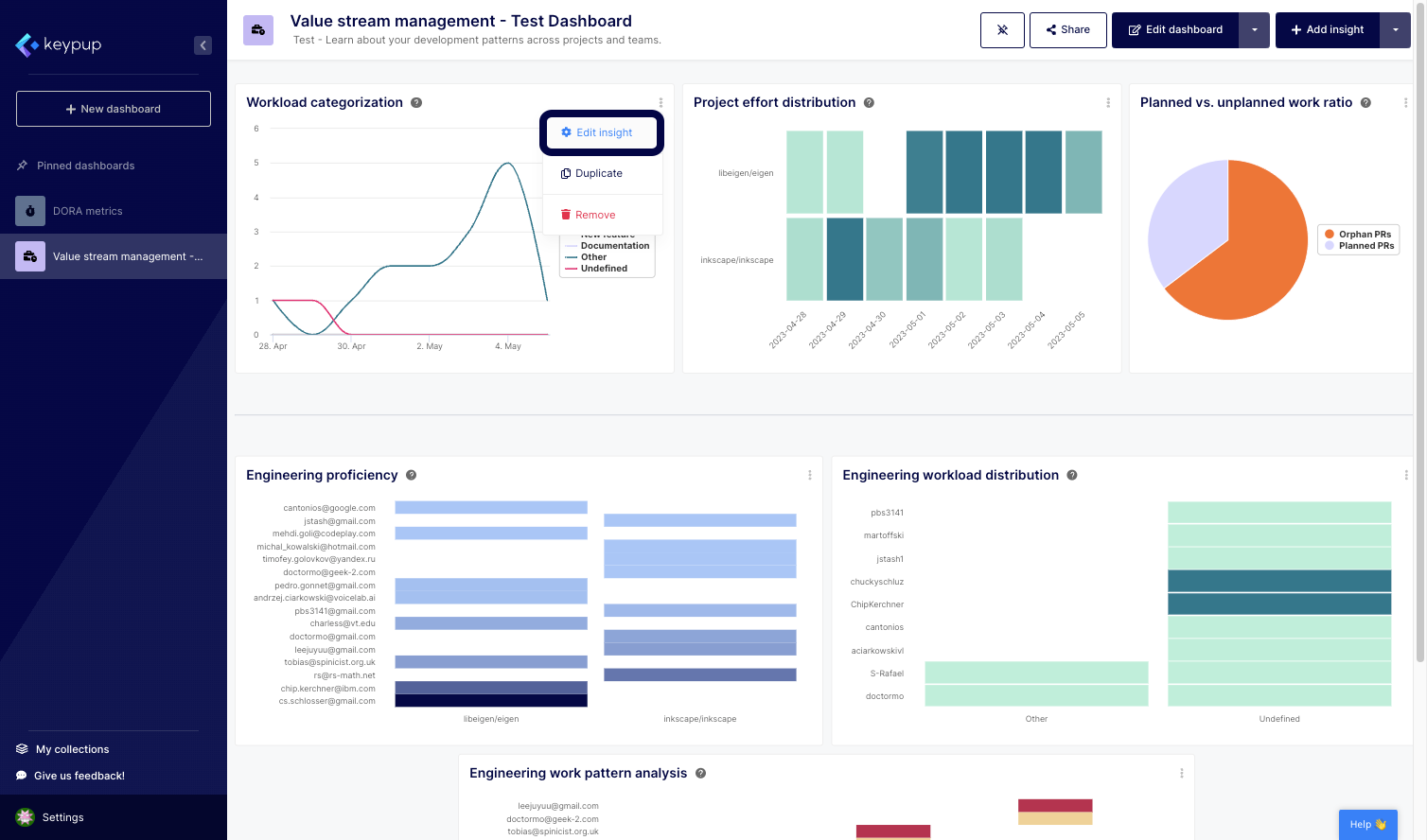
4. Then, select "Edit insight."
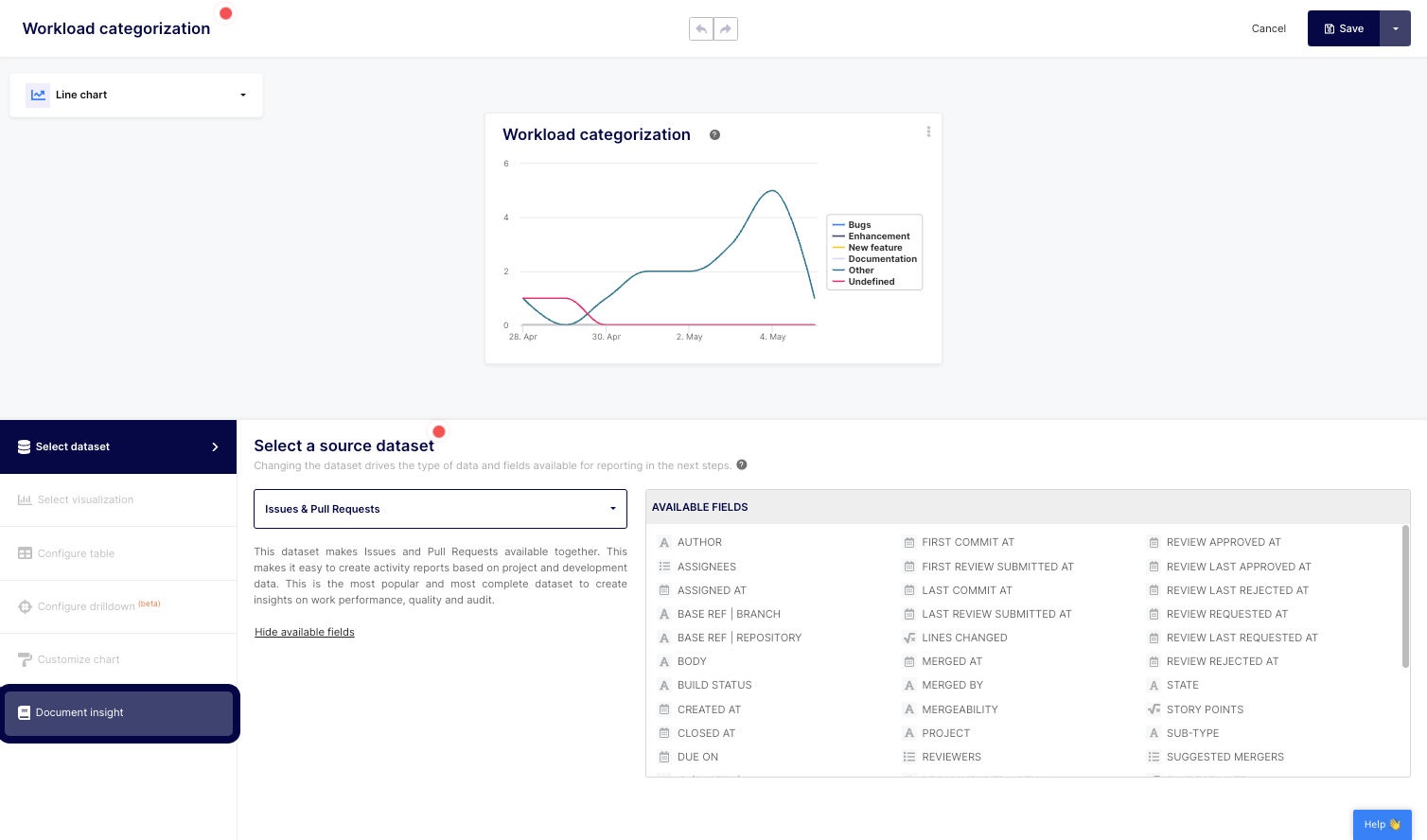
5. Click on the "Document insight" section of the left navigation panel.
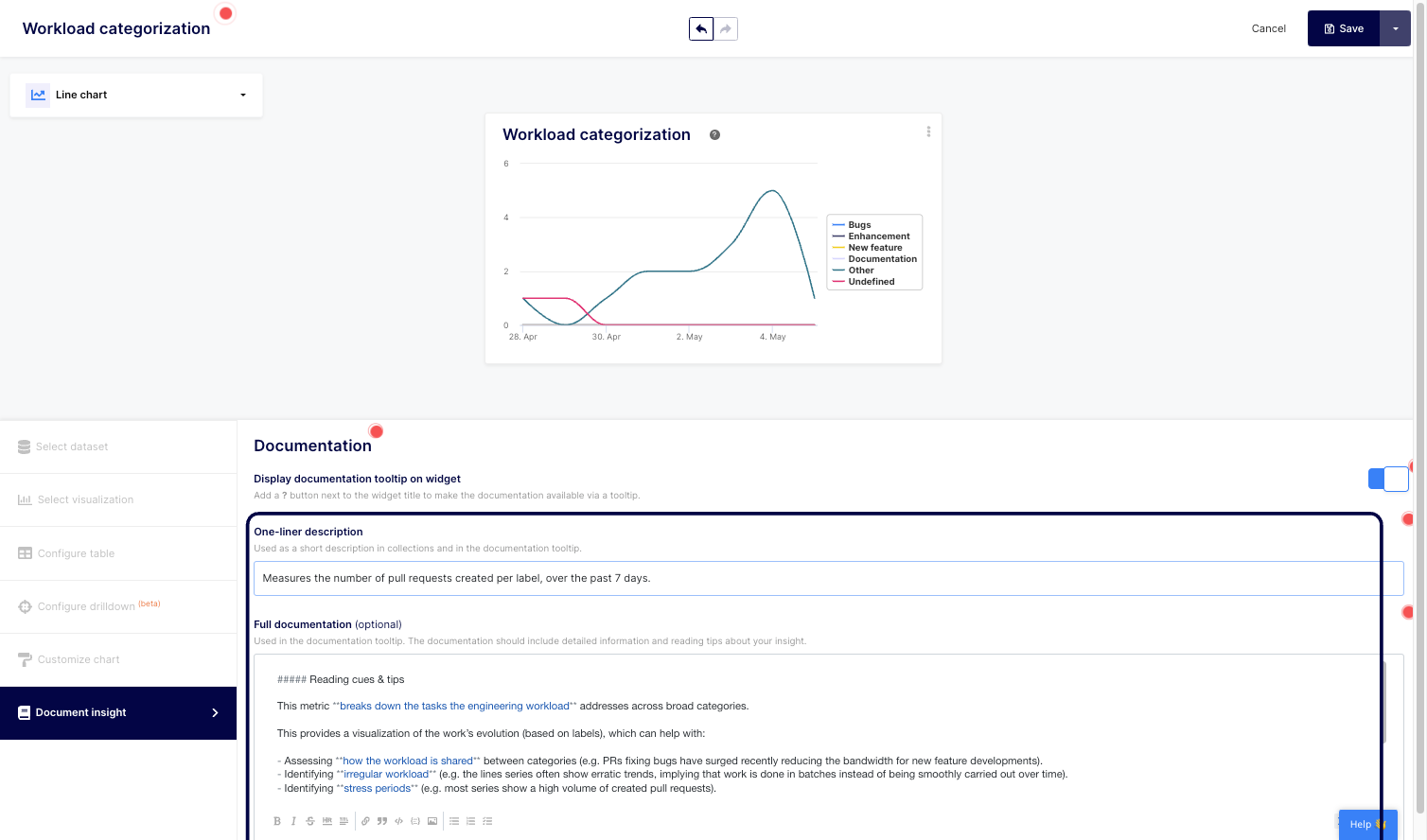
6. From there, you can edit your documentation one-liner description as well as the full documentation to meet your organization’s needs and processes.
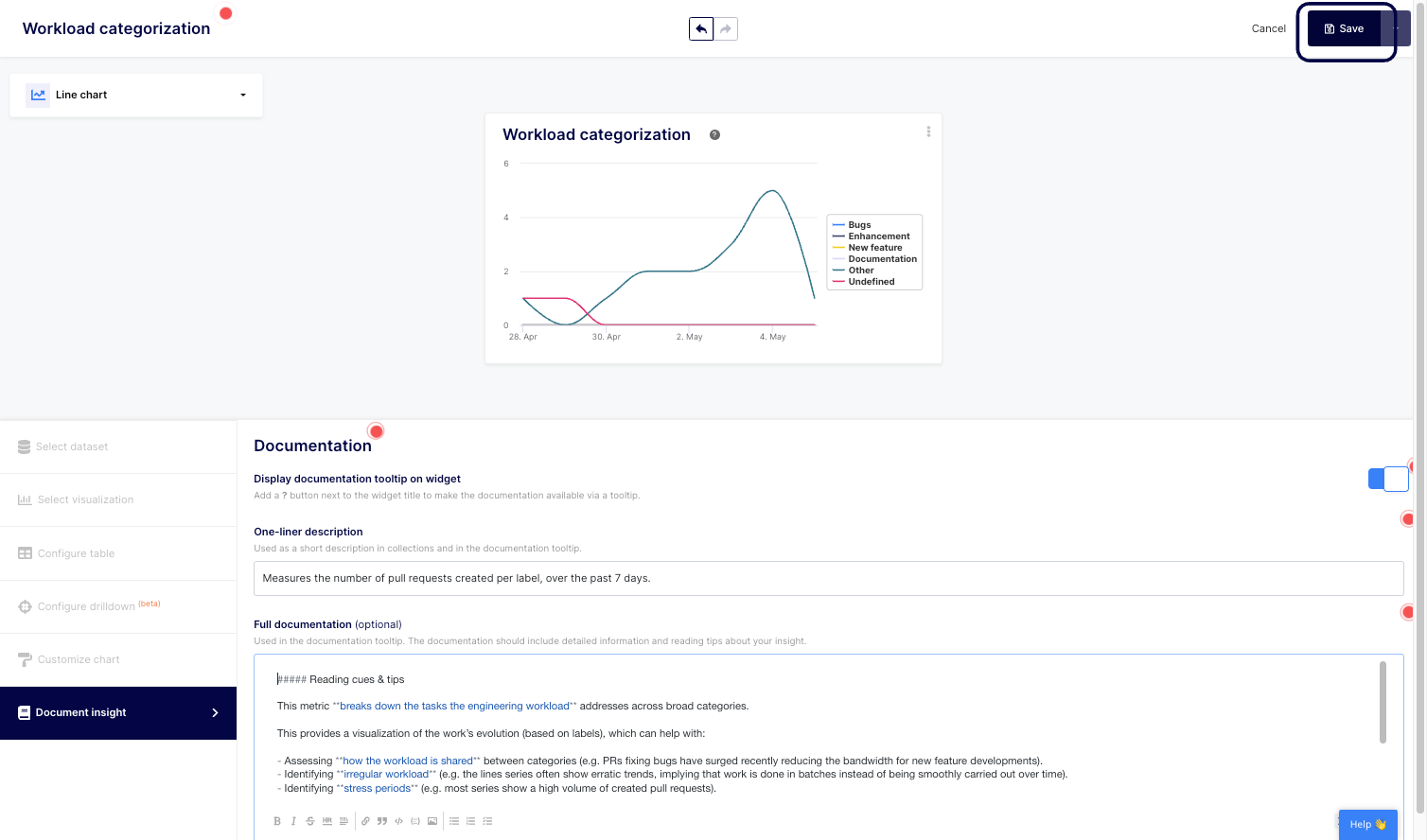
8. Don't forget to save your changes.
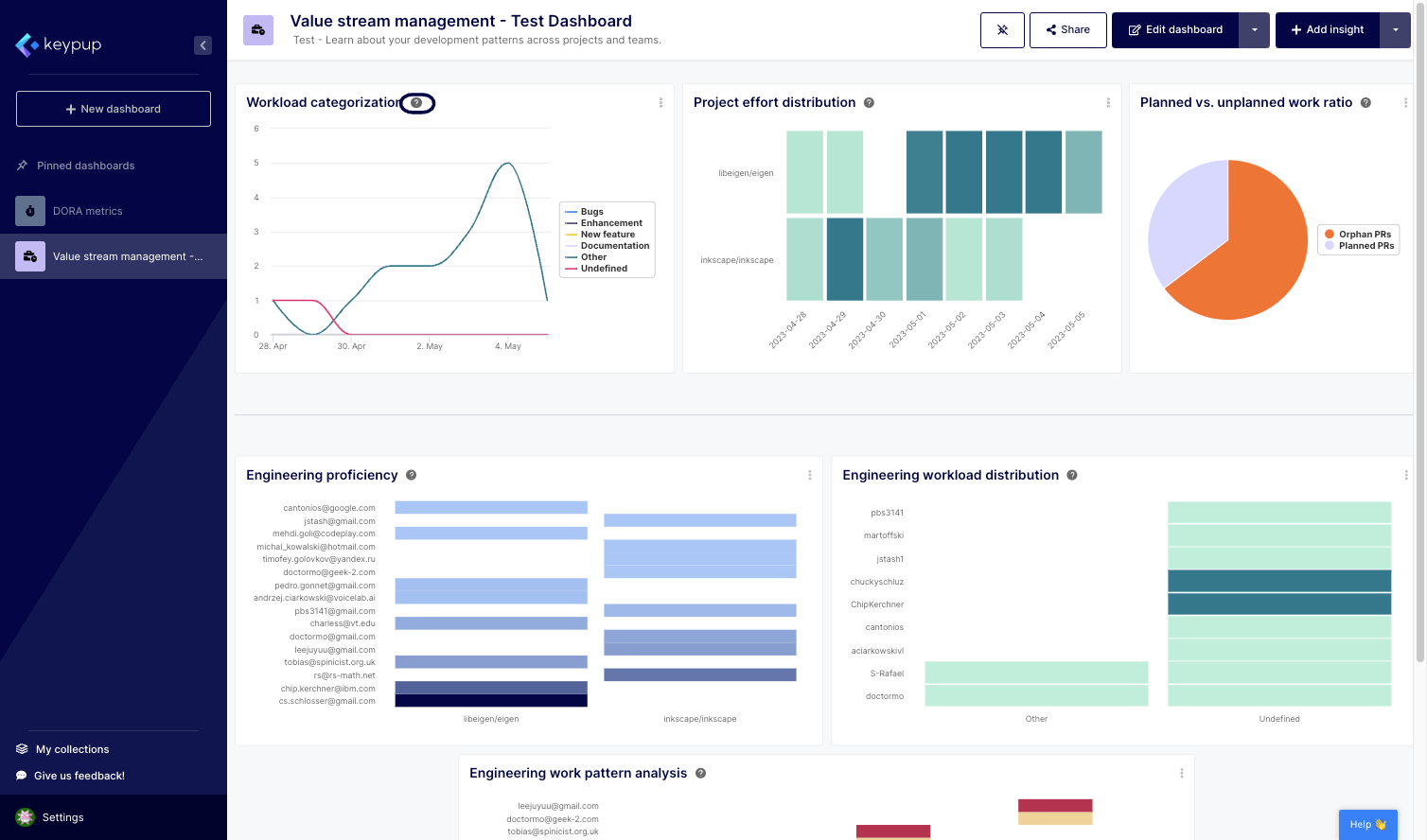
9. That's it. You can click on the question mark next to the insight title to read your updated documentation.
Understanding and modifying Keypup's metric documentation is a powerful tool for organizations seeking to optimize their software engineering practices. By providing clear insights into metrics and offering the flexibility to tailor documentation to specific needs, Keypup enables teams to work collaboratively, make data-driven decisions, and drive continuous improvement.
With comprehensive metric documentation, organizations can build a foundation of understanding and alignment to drive efficiency and success in their software engineering endeavors. Leverage Keypup today to unlock the full potential of your software engineering metrics.